No. 2
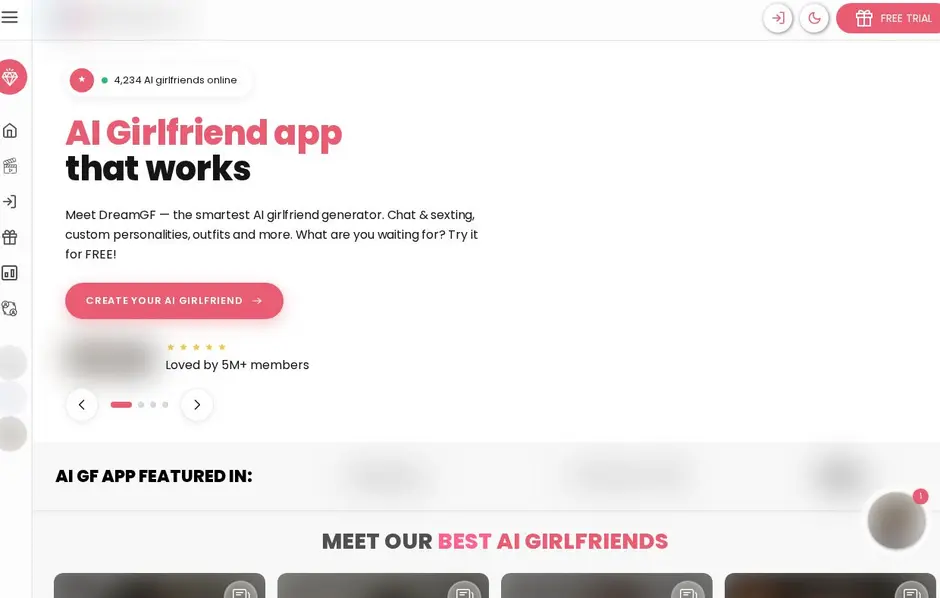
From $3.69/moDreamGF
Free trial8.7/10- Chat
- Voice messages
- Voice calls
- Images
- Video
- Create your character
To cancel a Candy AI subscription, open the settings and cancel it there. It is a straightforward option if you want to stop your plan while keeping control of your account.
Candy AI is browser-based on desktop and mobile, so you can reach your account without installing an app. If you are ready to leave, the settings area is also where you manage account-level choices.
Candy AI subscriptions can be cancelled at any time in the settings. Sign in, open settings, then use the subscription cancellation option. This is the direct route to end a plan when you no longer want Premium.
Before cancelling, remember what Premium changes in the experience: unlimited text messages, plus photos, video, voice and calls. Free access lets you create an account and explore the service first, while the account-wide free messages eventually lead to a Premium prompt in chat.
A longer commitment gives the lowest monthly price on Candy AI, while shorter plans offer a lighter commitment. If flexibility matters more than the lowest monthly cost, review the plan you chose before making your decision.
Candy AI uses discreet billing and the transaction appears under the neutral merchant name EverAI. Cancelling is handled in settings, alongside account preferences such as language and AI training controls.
Cancelling a subscription and deleting an account are different choices. In Candy AI settings, the Danger Zone includes Delete account. We saw that this action deletes the account and all its data permanently.
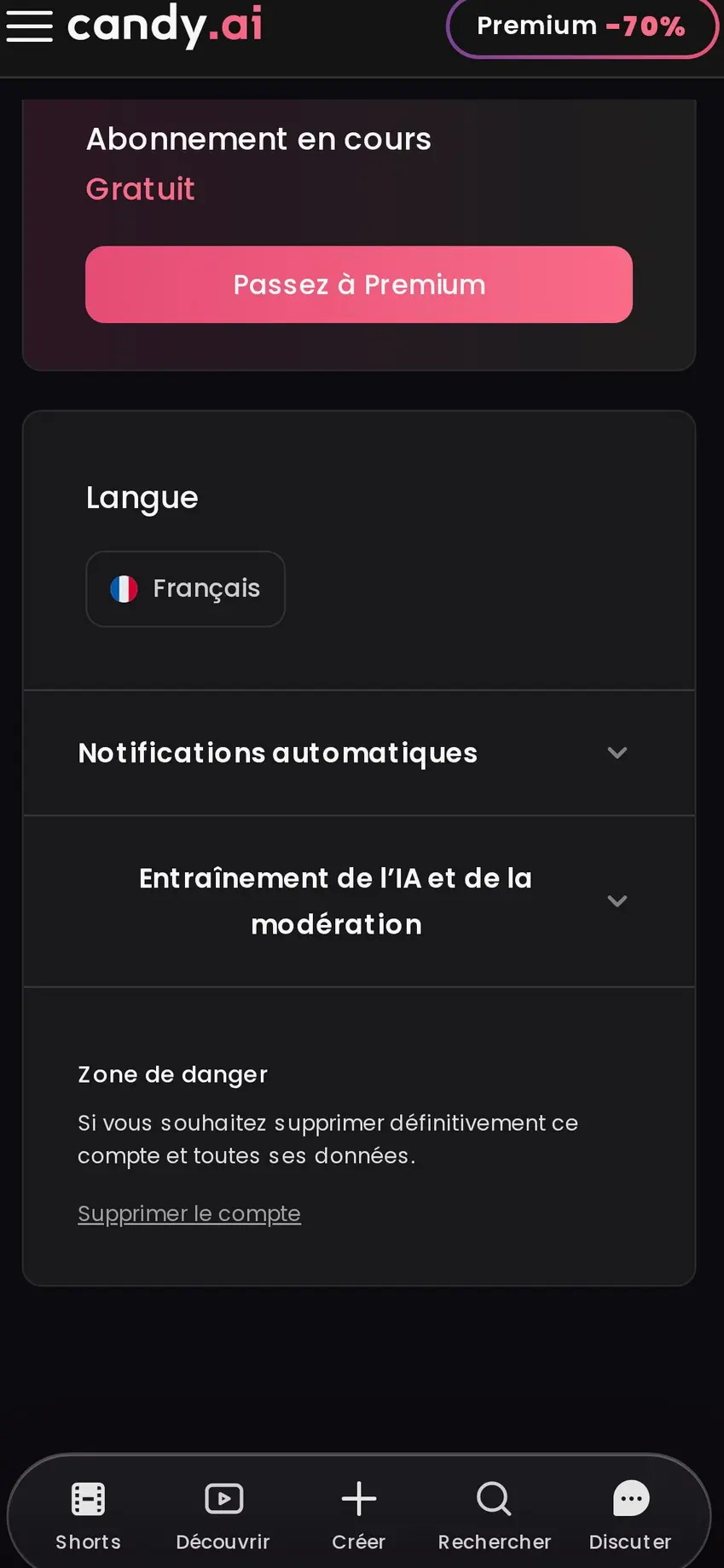
Choose account deletion only when you want to remove everything connected to the profile, including the companion you created. On our free account, reopening creation brought back the existing companion, its appearance and character tabs, and the remaining image regenerations.
DreamGF is worth a look if you want a free trial without entering card details. Its subscriptions can be cancelled at any time, and its longer commitment is the most affordable monthly route. Chat, voice, calls, images, video, character creation and roleplay shape the experience.
MyLovely.ai suits you if a permanent free plan matters. It includes base models, video creation, image saving and sharing, and one character generation. Cancellation is available in account settings at any time; subscriptions renew automatically unless cancelled before renewal, and access continues until the current billing period ends.
Secrets AI offers free sign-up and a single Premium plan, with chat, images, video, custom characters, memory and roleplay. Its subscription can also be cancelled at any time. It is a simple alternative if you prefer a more focused plan choice.
| 12 months | €3.99 / month |
|---|---|
| 3 months | €8.99 / month |
| 1 month | €9.99 / month |
If you want to cancel Candy AI, go straight to settings and use the subscription cancellation option. Keep the account if you may return to your companion later; use Delete account only when you want all account data removed permanently. For a new start, DreamGF offers a card-free free trial, MyLovely.ai has a permanent free plan, and Secrets AI keeps its upgrade choice simple.
Try Candy AI for freeCancel a Candy AI subscription in the settings. Subscriptions can be cancelled at any time.
Yes. Candy AI subscriptions can be cancelled at any time in the settings.
Open settings and go to the Danger Zone, where Delete account permanently deletes the account and all its data.
No. Cancelling concerns the subscription, while Delete account permanently removes the account and all its data.
Yes. Candy AI works directly on desktop or mobile without installation.
DreamGF and Secrets AI allow cancellation at any time. MyLovely.ai also allows cancellation in account settings at any time, with access continuing until the current billing period ends.